Stage Flight 3.14 Writeup
Quick technical and workflow writeup about some Stage Flight 3.14 stuff I've worked on. I only had time to touch on the Moonglow set for this iteration of SF.
Video Editing
MDMX Tooling
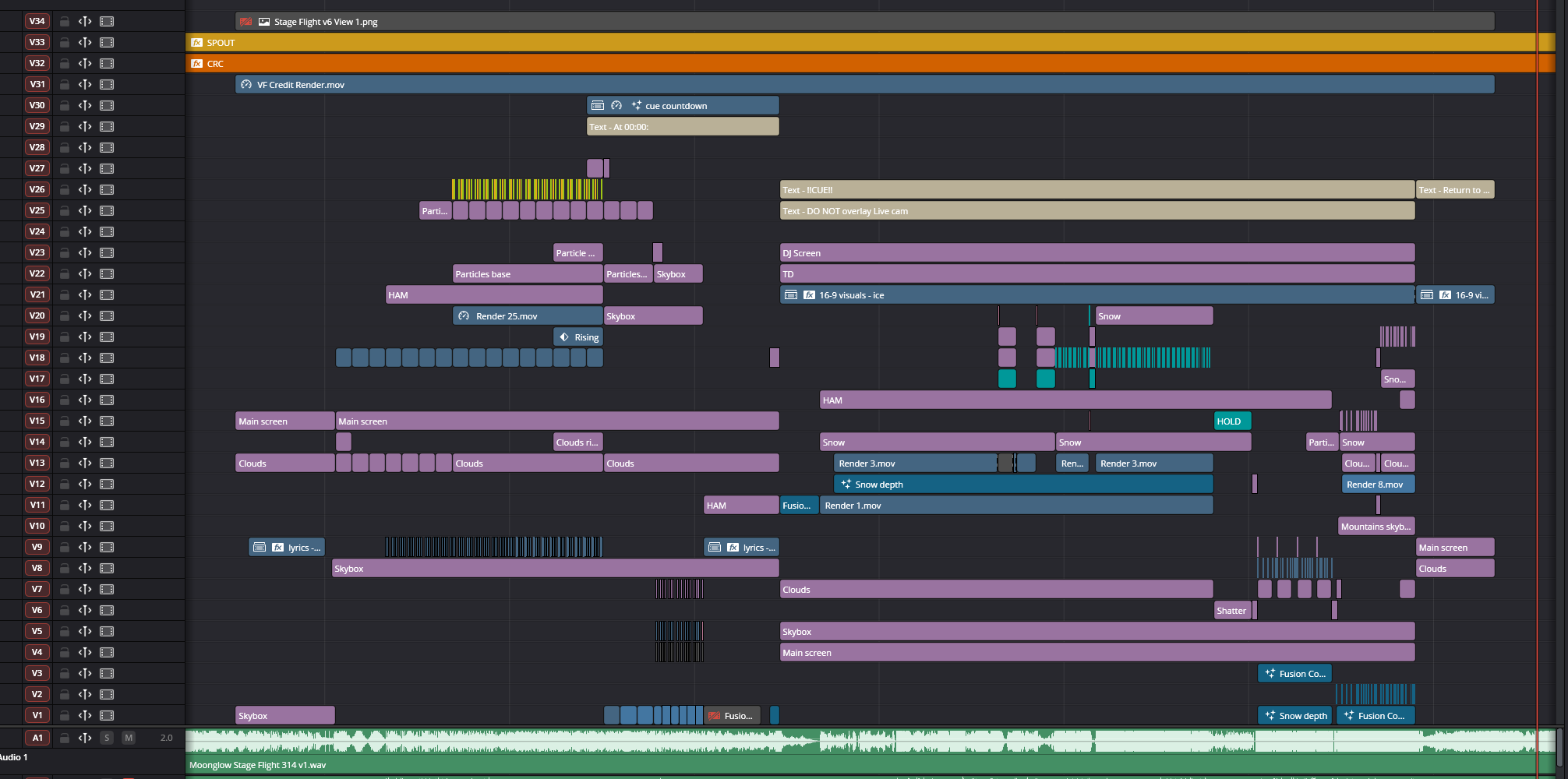
I ended up developing tools to help control MDMX from Davinci Resolve.
MDMX Fixture
MDMX Fixture is a generator plugin that lets us define fixtures and load them on an instance of the plugin. Fixtures define controls which are then exposed to the user, which lets us control an animate various parts of the stage from within the Davinci Resolve timeline.
MDMX CRC Recalc
MDMX CRC Recalc lets us recalculate the error checking CRC bits of the MDMX blade of the club ready file. If we were to add or modify MDMX data without this, the world would discard any of the data as the CRC that it calculates does not match the CRC bits on the MDMX data streamed in through the video. So this lets us add, composite, and generally change the MDMX data in Davinci Resolve.
VideoRemap
This is probably the 3rd time I've used VideoRemap on a Stage Flight project. I did some VJing for the Moonglow set.
I ended up trialing a new workflow for using VideoRemap that uses composite clips and it lets you map a whole timeline to one or more screens:
- Start with a "master timeline" that ends up containing all the mappped footage you'll use.
- Create an adjustment clip that spans the range you want to prepare content for.
- Convert that adjustment clip into a composite clip.
- Copy over the part of the set audio that matches the start and end of that adjustment clip and paste it into the composite clip timeline.
- Sync up footage with that audio in the composite clip.
- Edit your footage in the composite clip.
- Apply VideoRemap on the composite clip in the master timeline.
Ended up working pretty well. Used it to map lyrics to the main screen and HAM particles and also the whole usual VR actor thing onto live cam and DJ booth screens.
Pros:
- Lets you VideoRemap an arbitrarily complex timeline.
- Lets you bake out that timeline with the ability to decompose it easily to make changes.
Cons:
- Composite clips share the timeline size that they were created on, which is not always ideal. There's probably a analogous workflow by using child timelines where we explicitly set the resolution and them VideoRemap them in fusion to preserve that resolution.
Spout Output
I end up dropping the spout output plugin into every VJ project now. It's just incredibly useful to output directly to obs without having to capture a whole monitor or get a piece of hardware that davinci sends video out to.
World Dev
I ended up doing a bit of shader work for the Moonglow set.
Celestial Bodies
A request came in to add a moon & sun effects to the skybox.
Sun
Doing the sun was going to be easy enough. The parameterization we settled on for both the moon and sun was in spherical coordinates without the radial component, giving us a (azimuth, polar) pair.
We can convert the spherical coordinates to a direction in which the sun is pointing:
float3 sphere_dir;
sphere_dir.x = sin(body_polar) * cos(body_azimuth);
sphere_dir.y = sin(body_polar) * sin(body_azimuth);
sphere_dir.z = cos(body_polar);
The skybox shader gives us a 3D view direction into the skybox.
We can take the dot product between this ray and sun direction to get the angle between the two which gives us enough to make the sun disk and glow.
To make the parameterization human friendly, I converted the cos angle to radians.
From there it's just a matter of expressing a mask for the disk and glow:
float body_size = 30./255.; // baked in after testing, in radians

float cos_angle = dot(sphere_dir, ray);
float angle = acos(cos_angle);

// https://www.desmos.com/calculator/umlhp8ps3j
float knee = 100;
float disk = saturate(1-(saturate(angle - body_size)*knee));
float bloom = saturate((1/(saturate(angle - body_size)*knee)) - (1/knee));
And we have a sun! I wanted to make it a bit more interesting so I experimented with a crude approximation of reyleigh scattering.
float rayleigh = pow(1-ray.y,4);
sun_color.r = exp(-rayleigh * 0);
sun_color.g = exp(-rayleigh * 3.1);
sun_color.b = exp(-rayleigh * 80.45);
sun_color = saturate(sun_color);
This just starts to remove from the green and blue components of the sun color as the sun starts to approach the horizon line, mimicking how wavelengths of light that tend toward violet have to scatter more and more as the sun approaches the horizon, whereas red light scatters the least.
https://www.desmos.com/calculator/xe5cf4sehm
Sebastian Lague has a great explainer on modelling atmospheres
Moon
For the moon, I wanted texture mapping. Naturally that made things a bit more complicated.
After some experiments I landed on using a ray vs sphere intersection which would give me a latitude longitude pair to do texture mapping with. Dug up some old C++ code I wrote when I was doing raytracing and now we have a moon in the sky!
I experimented with normal mapping the moon and giving it a simple lighting model. We didn't end up needing it in the end but it looks pretty neat.
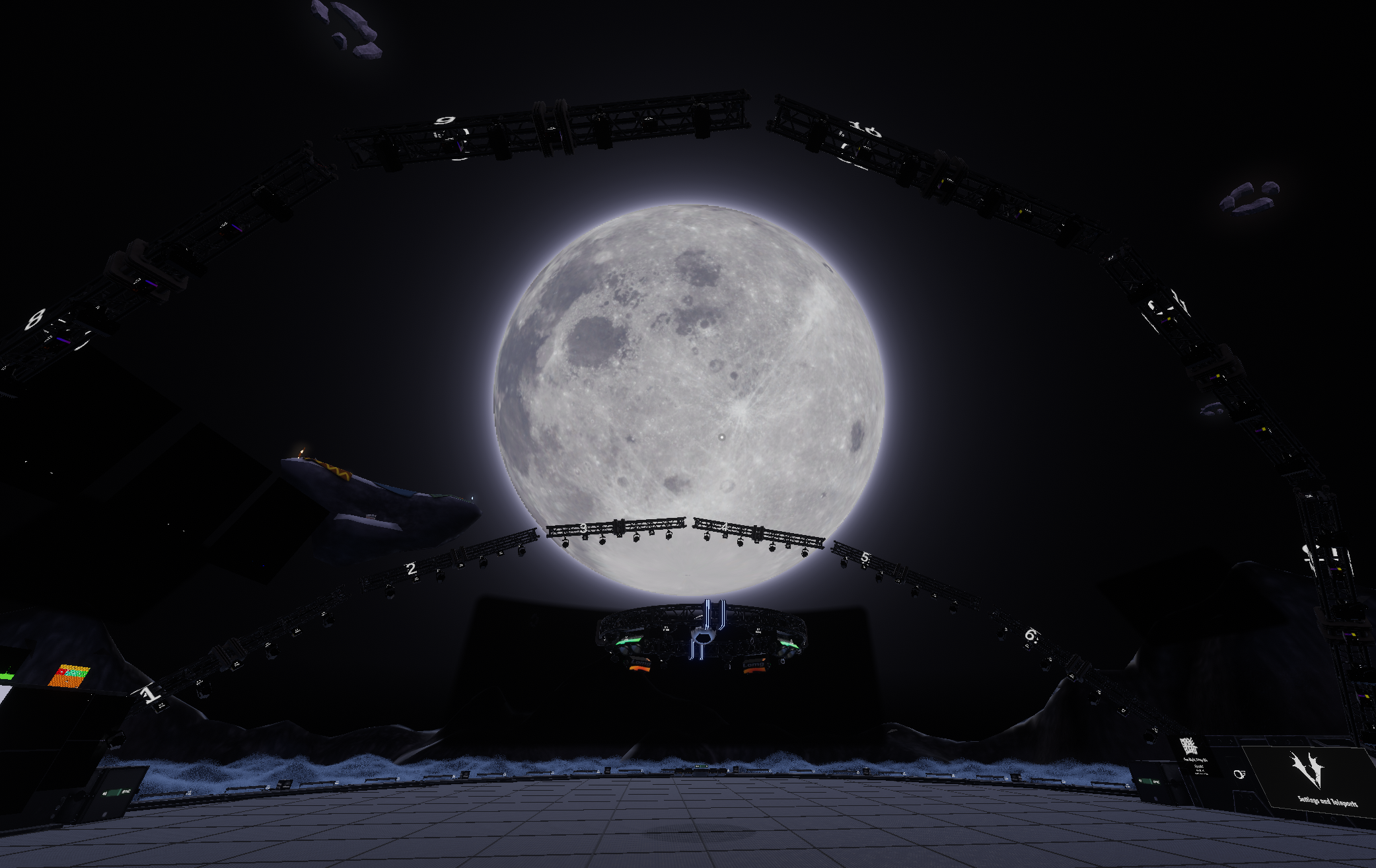
This looks massive in VR, desktop doesn't quite do it justice.
I ran into a issue where due to the raytracing math, I wasn't sure what the unit/relationship was between the provided radius and the size of the moon in the screen. We needed to know that as for the moon glow, the size was expressed in radians and had to match the size of the moon in the sky.
Instead of getting into the weeds with trying to math out the relationship, ended up approximating the relationship function and moved on